
IMO Lite for Android
9.8.000000018147 · imo.im · Page updated
IMO Lite is the lightweight Android version of the imo messenger for free video calls, voice calls and chats on slow networks and low-end phones.
Rate IMO Lite
Average 0.0 · ratings: 0
Thank you! Your rating is saved; you can change it. Could not save the rating. Please try again later. Too many ratings from your network today. Please try again tomorrow. The average appears after 5 ratings.
Screenshots
About IMO Lite
IMO Lite, version 9.8.000000018147, is the lightweight edition of the imo messenger for Android from imo.im. You download IMO Lite when you want free video calls, voice calls and chats on an older phone or over a slow mobile connection, where the full app feels heavy.
Quick facts
- Version: 9.8.000000018147
- Developer: imo.im
- Platform: Android
- Type: messenger with voice and video calls
- Licence: free
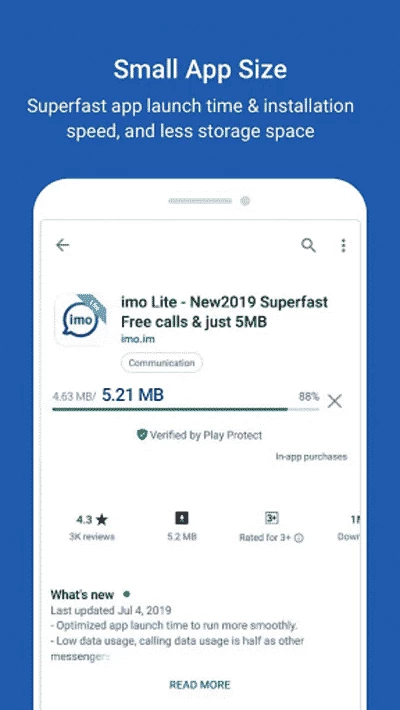
- Size: about 30.91 MB according to catalogue data
- Website: imo.im
What it offers
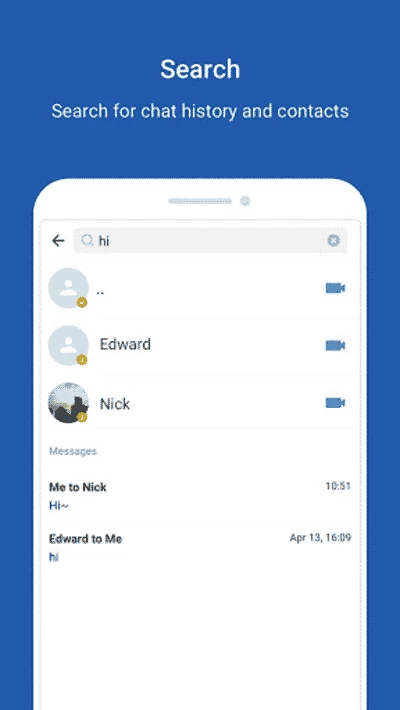
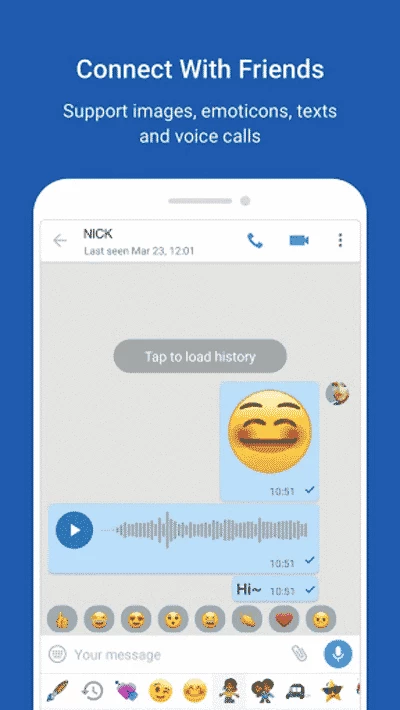
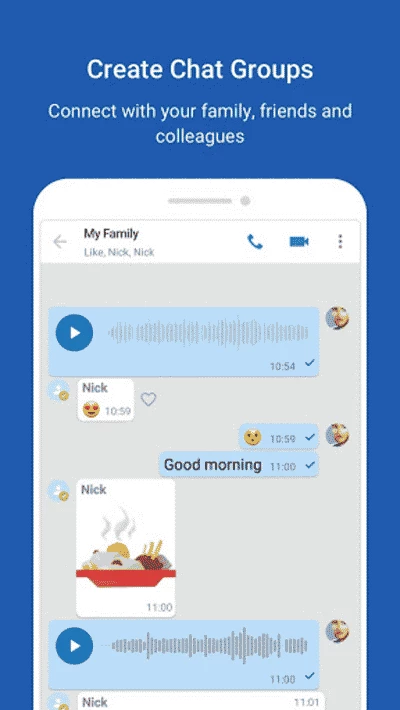
imo became popular in regions where mobile data is expensive and connections are unstable, because its calls keep working at low bandwidth. The Lite edition takes that idea further: a smaller app, lower memory use and simpler screens, while keeping the core functions. You register with a phone number, and contacts who also use imo appear automatically. From there you can send text and voice messages, photos and files, create group chats, and make one-to-one or group voice and video calls. Calls adapt their quality to the connection, so a video call may drop to a lower resolution rather than disconnect. Lite accounts are the same as regular imo accounts, so you can talk to people using the full imo app, imo HD or imo beta. What is trimmed are extras such as some visual effects, stories and heavier media features. For someone who mainly calls family abroad on a budget phone, that trade-off makes sense.
How to get started
- Install IMO Lite from Google Play or from the official imo download page, which lists HD, Lite and beta versions.
- Enter your phone number and confirm it with the code you receive.
- Allow access to contacts to find friends who already use imo.
- Start a chat or tap the camera or phone icon to call.
- In settings, limit automatic media downloads if you want to save data.
Requirements
IMO Lite runs on Android phones, including low-end and older models, and works over mobile data or Wi-Fi. Calls need a microphone and, for video, a front camera.
Privacy and safety
Use only the official app from Google Play or imo.im; modified versions of messengers can steal accounts. Check privacy settings, such as who can call you and who sees your last-seen time, and be careful with links from unknown contacts.
Price
IMO Lite is free. The service earns money through ads and optional paid features inside the app.
Tips
On a very weak connection, switch a video call to voice only: the conversation stays smooth, and you save data. Clear the cache from time to time if storage is tight.
Pros and cons
- Pro: calls that hold up on weak networks.
- Pro: light on storage and memory.
- Pro: compatible with the full imo app.
- Con: ads in the app.
- Con: fewer extras than the full version.
- Con: your contacts need imo as well.
Alternatives
Other messengers on our site include imo HD and imo beta from the same developer, WhatsApp Messenger, Telegram and Line, as well as BOTIM, which is widely used for calls in some regions.